Manual UPI payments
Customers scanned a QR code and typed their transaction ID by hand. Every payment had to be matched against the bank statement.
An online store for pure honey, wood-pressed oils and desi ghee from Nandyal, Andhra Pradesh. Customers browse, add to cart and pay with PhonePe, Google Pay, Paytm, cards or net banking — and every payment is verified on the server before the order is confirmed. Alongside the store, I run KIO's social media ads.
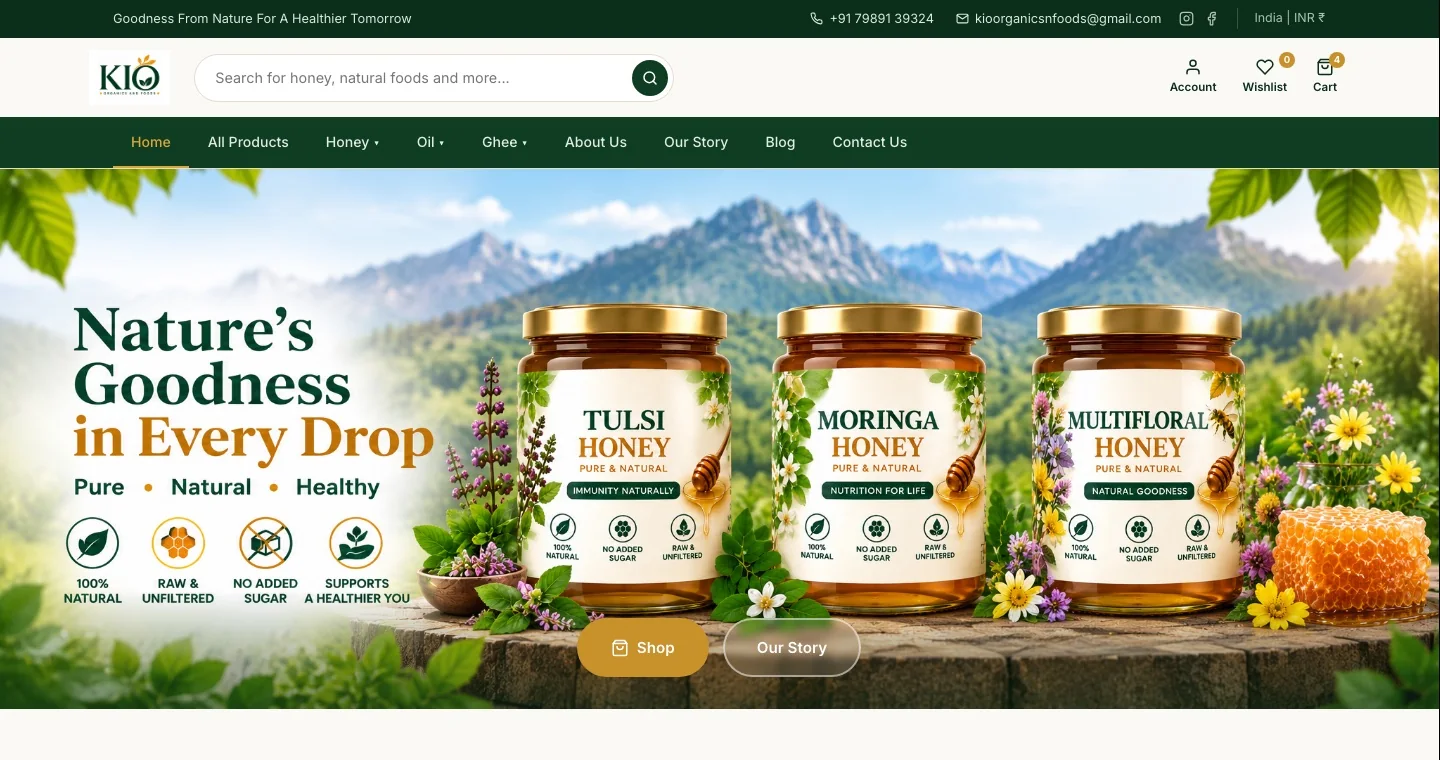
KIO makes raw honey, wood-pressed oils and desi ghee. The brand needed a website that looks as premium as the jars on the shelf — and a checkout Indian shoppers trust, without extra work for the owner.
Customers scanned a QR code and typed their transaction ID by hand. Every payment had to be matched against the bank statement.
Most customers shop on phones and expect to pay with the UPI app they already use.
The owner needed full order details — customer, products, payment — in one place, the moment an order is placed.
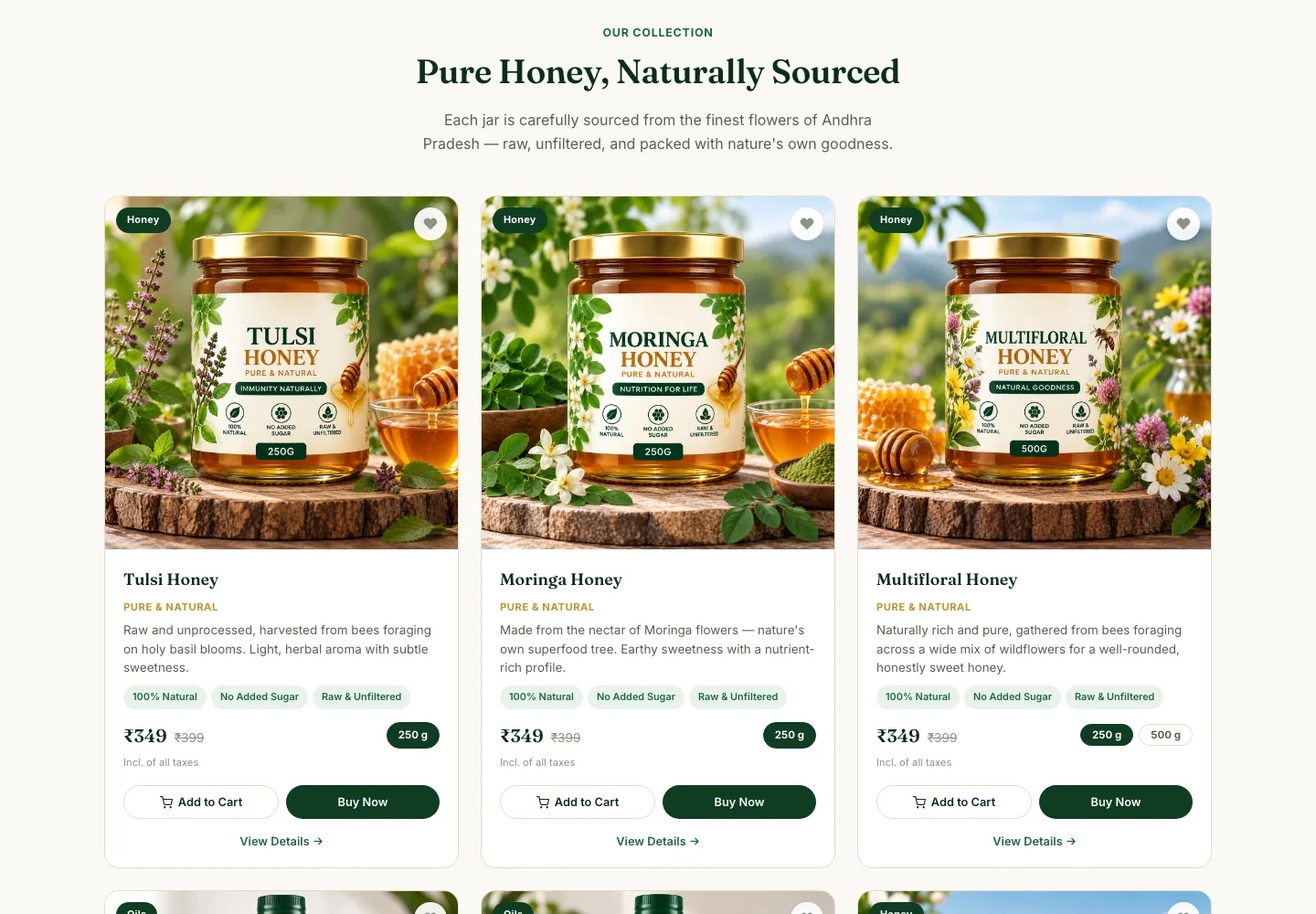
Deep forest green, warm cream and honey-gold, with a classic serif for headings. Every product card shows size options, price with MRP, key highlights and two clear actions.
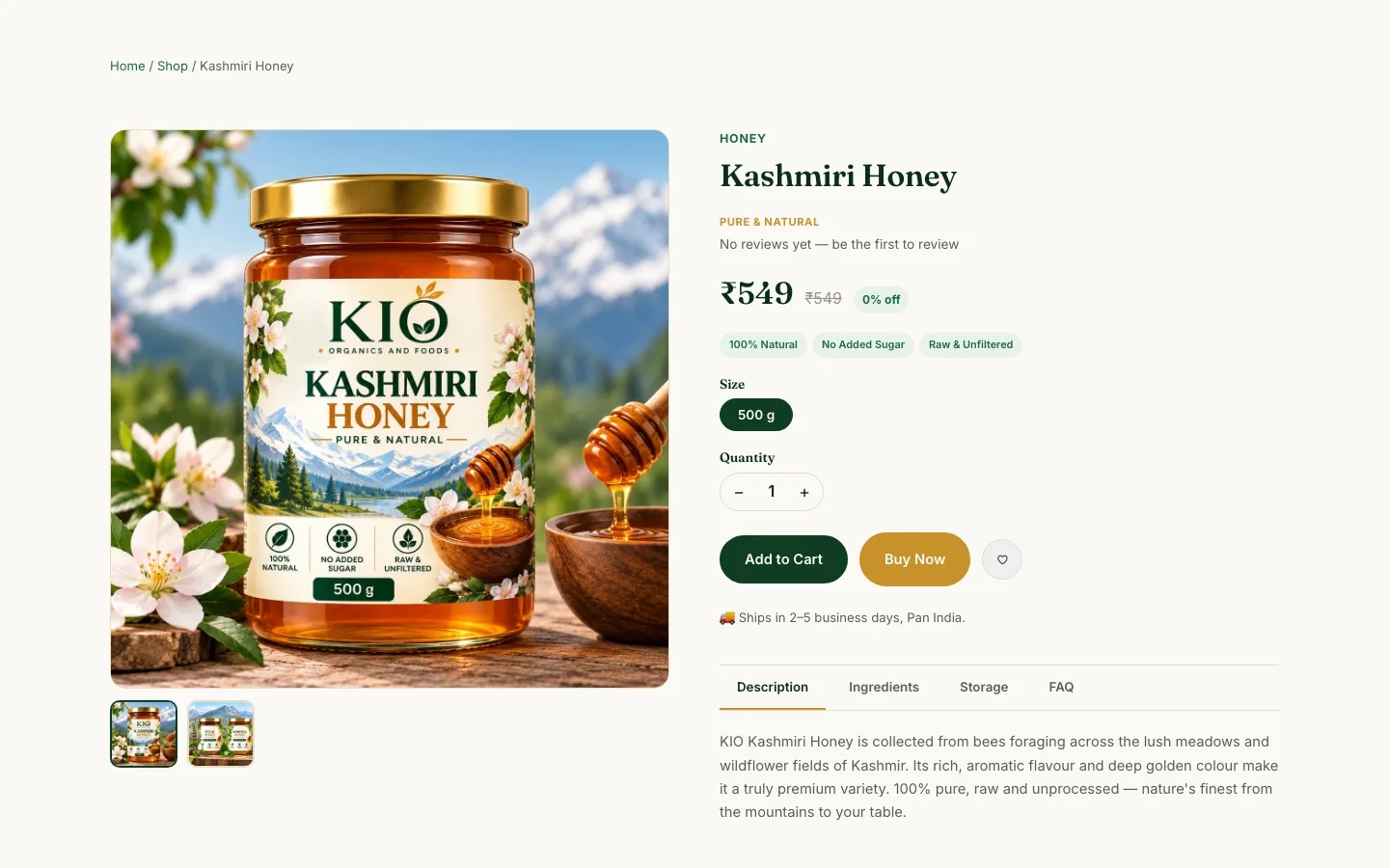
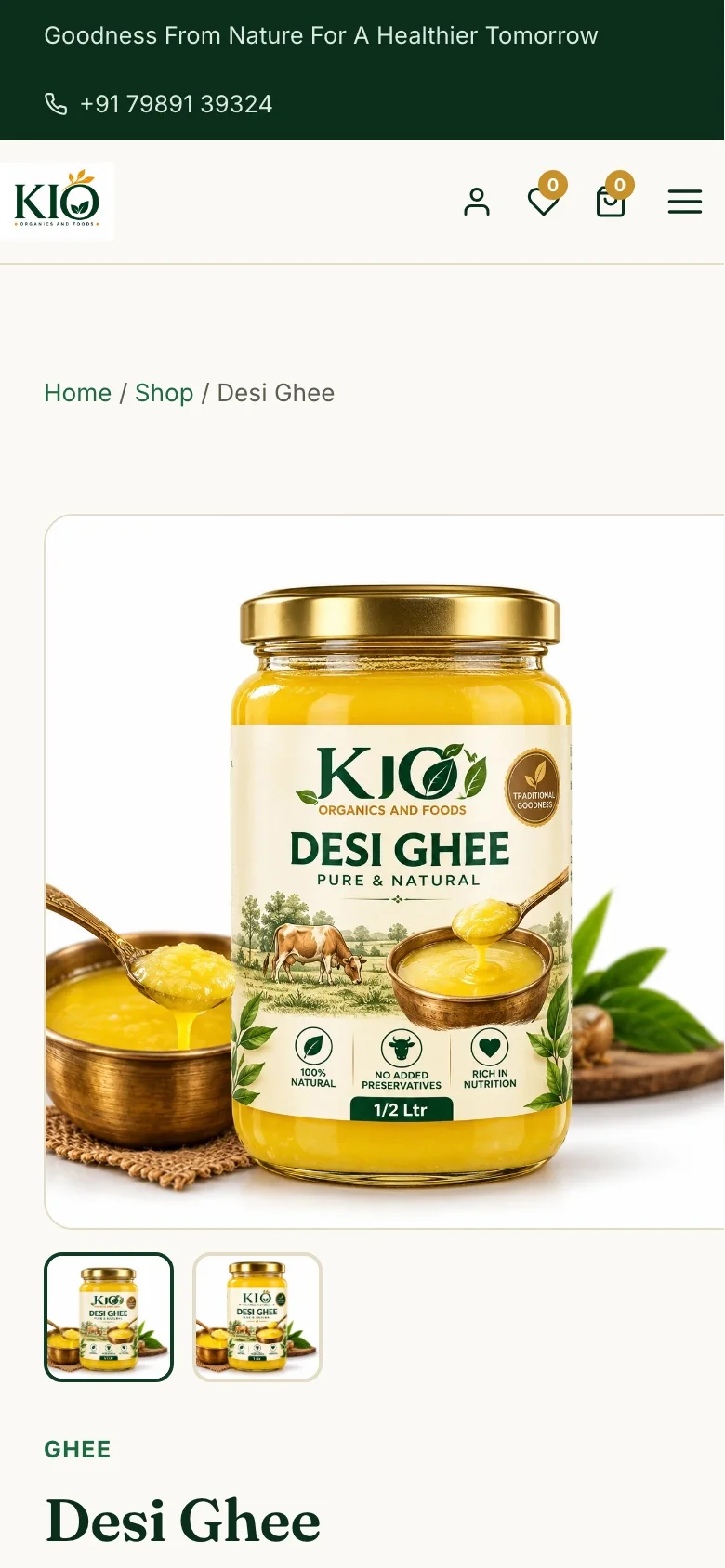
Each product has an image gallery, size and quantity selectors, and tabs for description, ingredients, storage and FAQ. Related products keep people browsing.
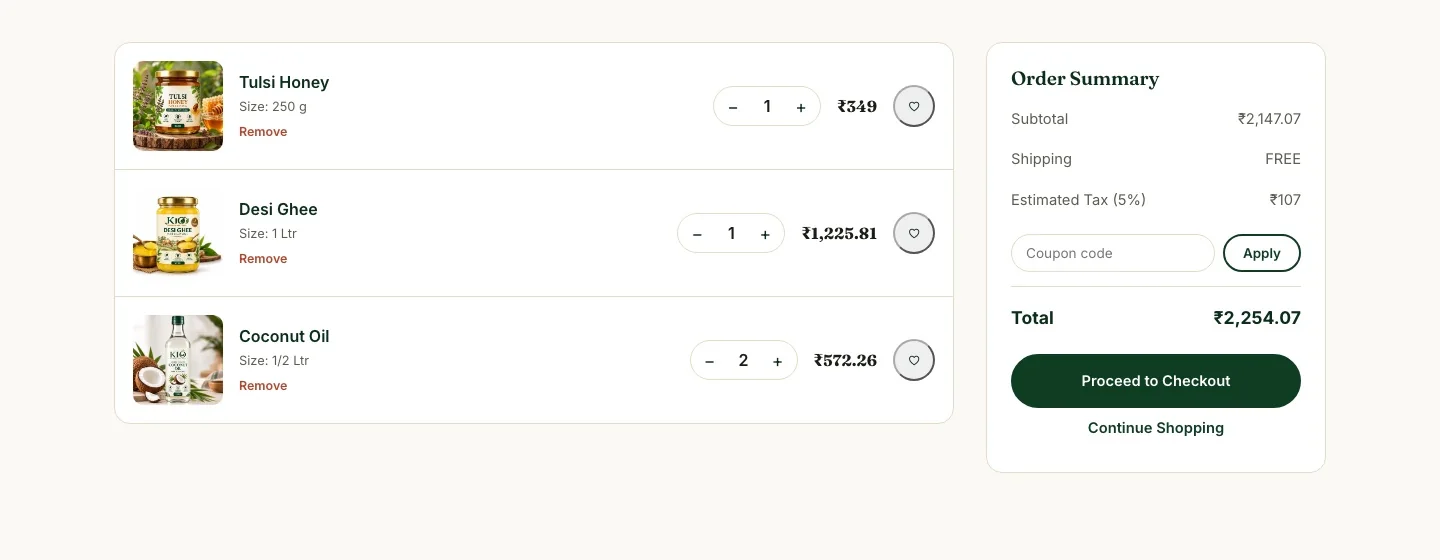
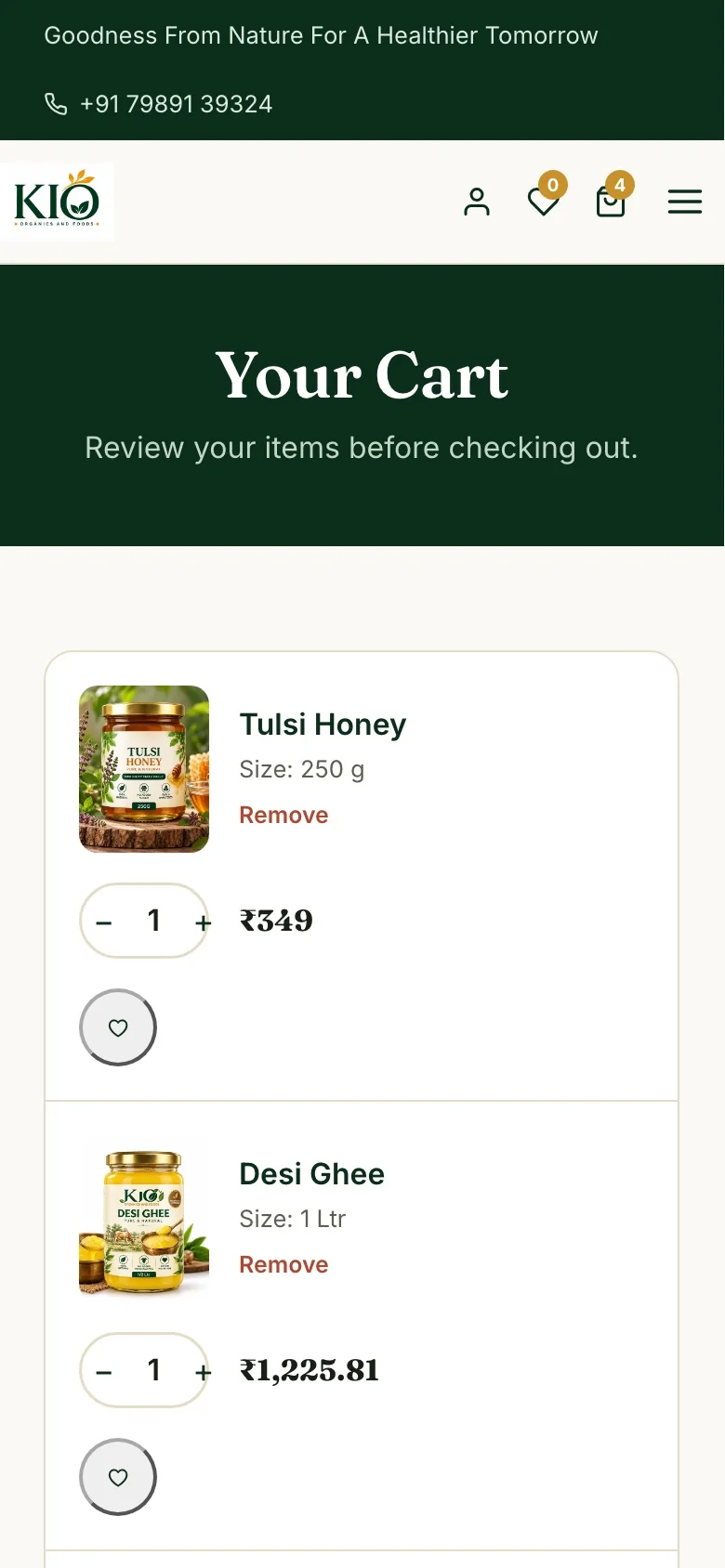
Change quantities with + and −; pressing − on the last item removes it. The summary shows subtotal, shipping (free above ₹599), 5% tax and the final total.
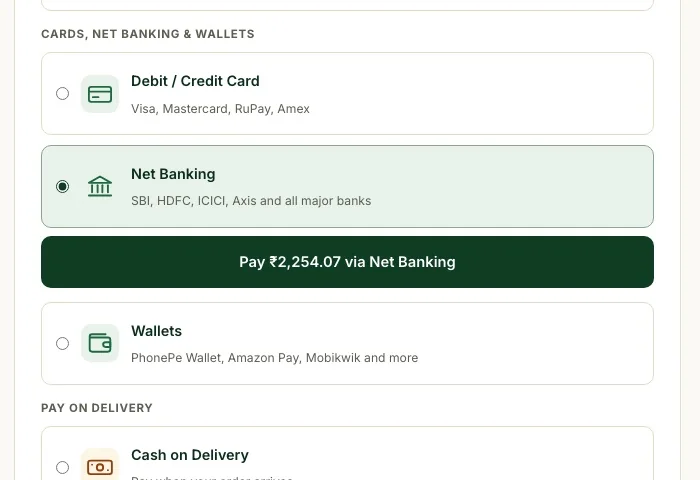
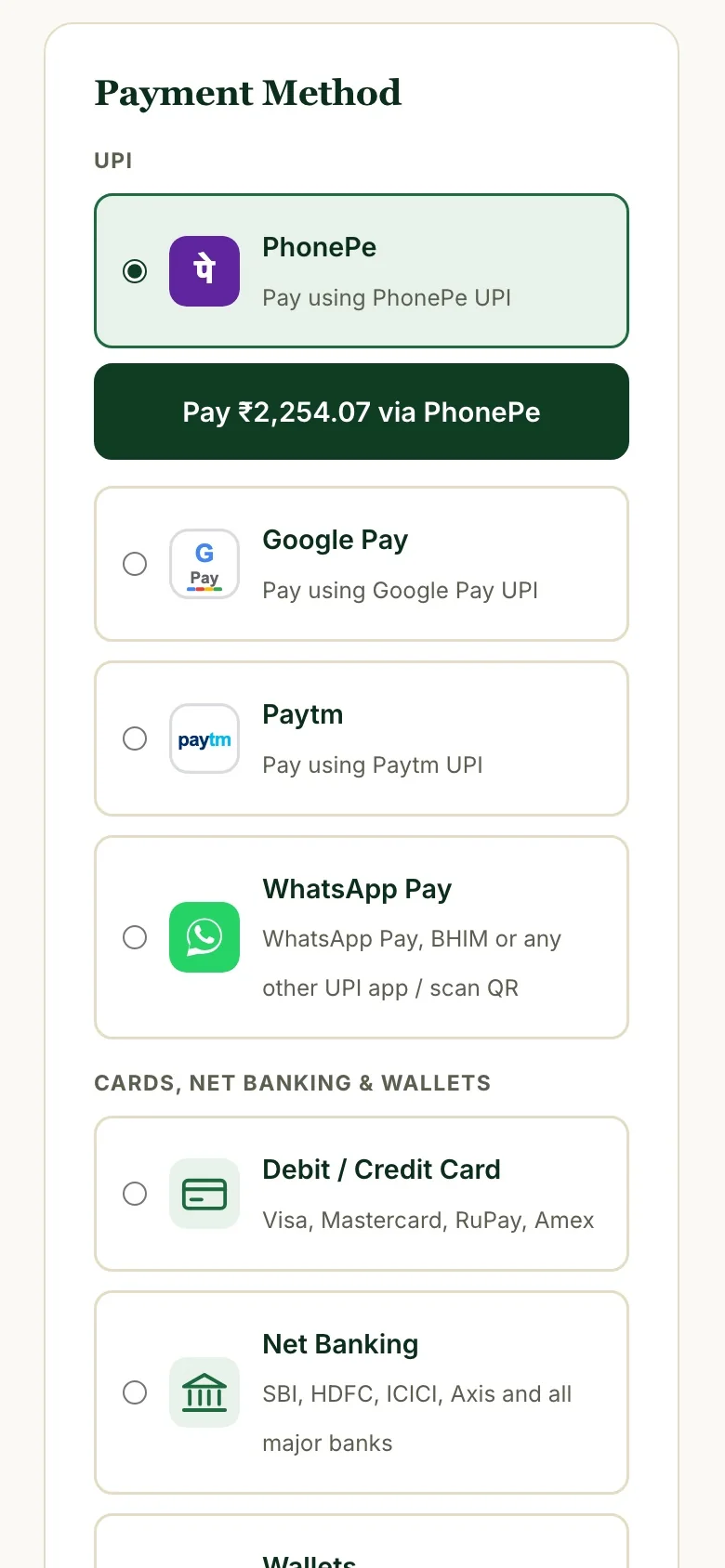
Two short steps: delivery details, then every payment option listed separately with its own icon. The Pay button moves right under the chosen option with a smooth animation and shows the exact amount.
 PhonePe
 Google Pay
 Paytm
Paytm Any UPI app
 Debit / Credit card
 Net banking
 Wallets
 Cash on Delivery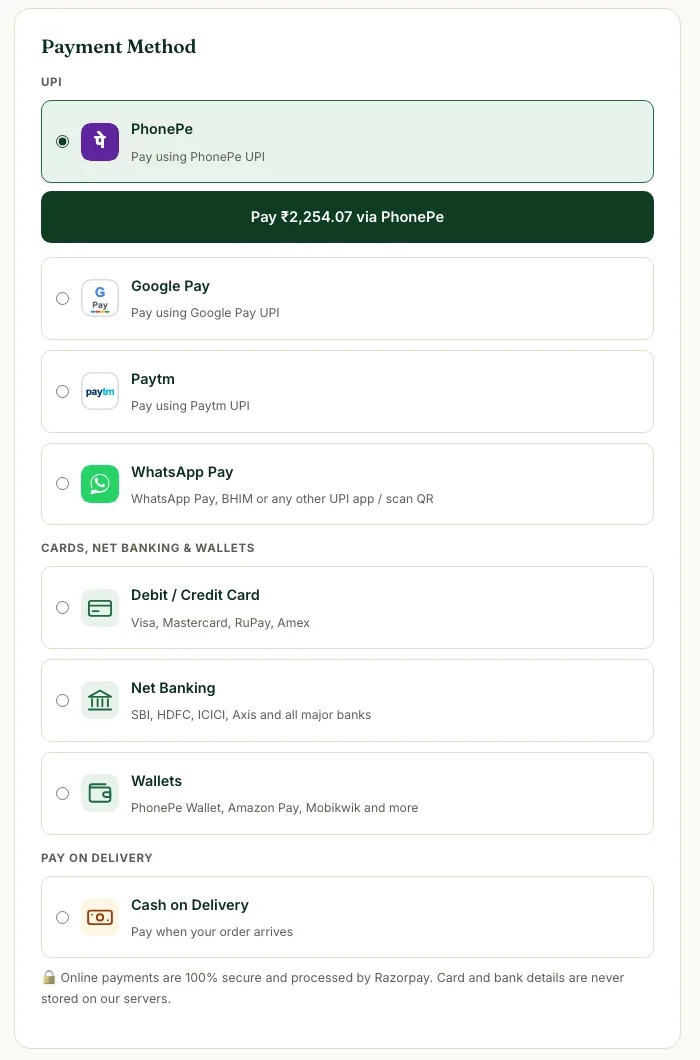
Payments run through Razorpay. The website never trusts the browser for money: the server works out the price, and the payment is checked twice before the order is marked paid.
The Razorpay secret key is only used in server code and never reaches the browser.
If the same payment is confirmed twice, the order is updated and emailed only once.
A Razorpay webhook confirms the payment even if the customer closes the page too early.
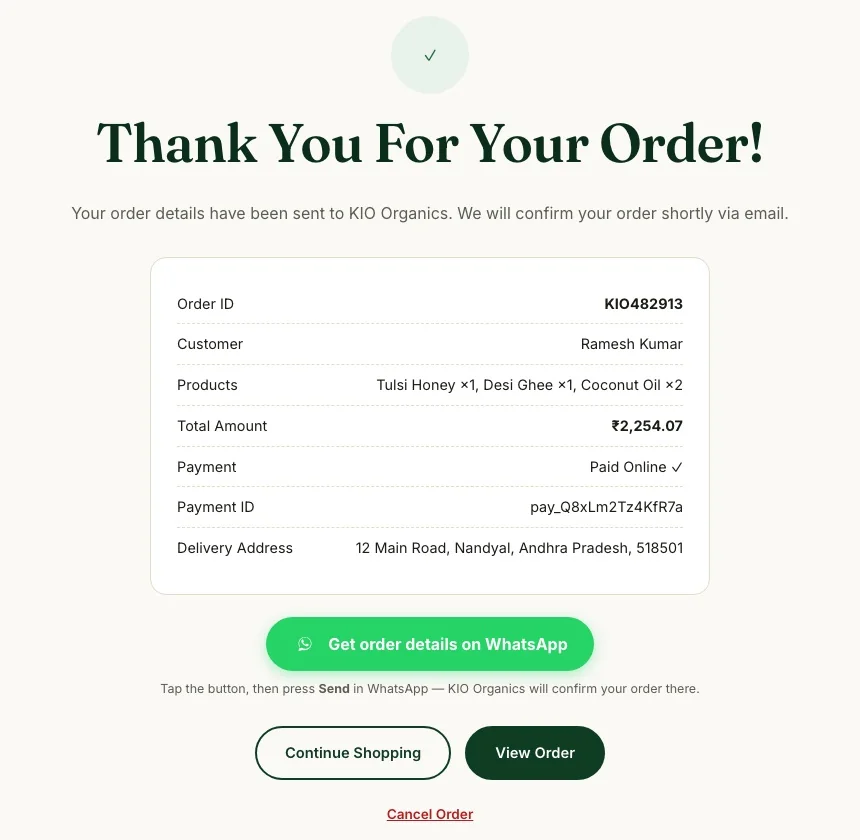
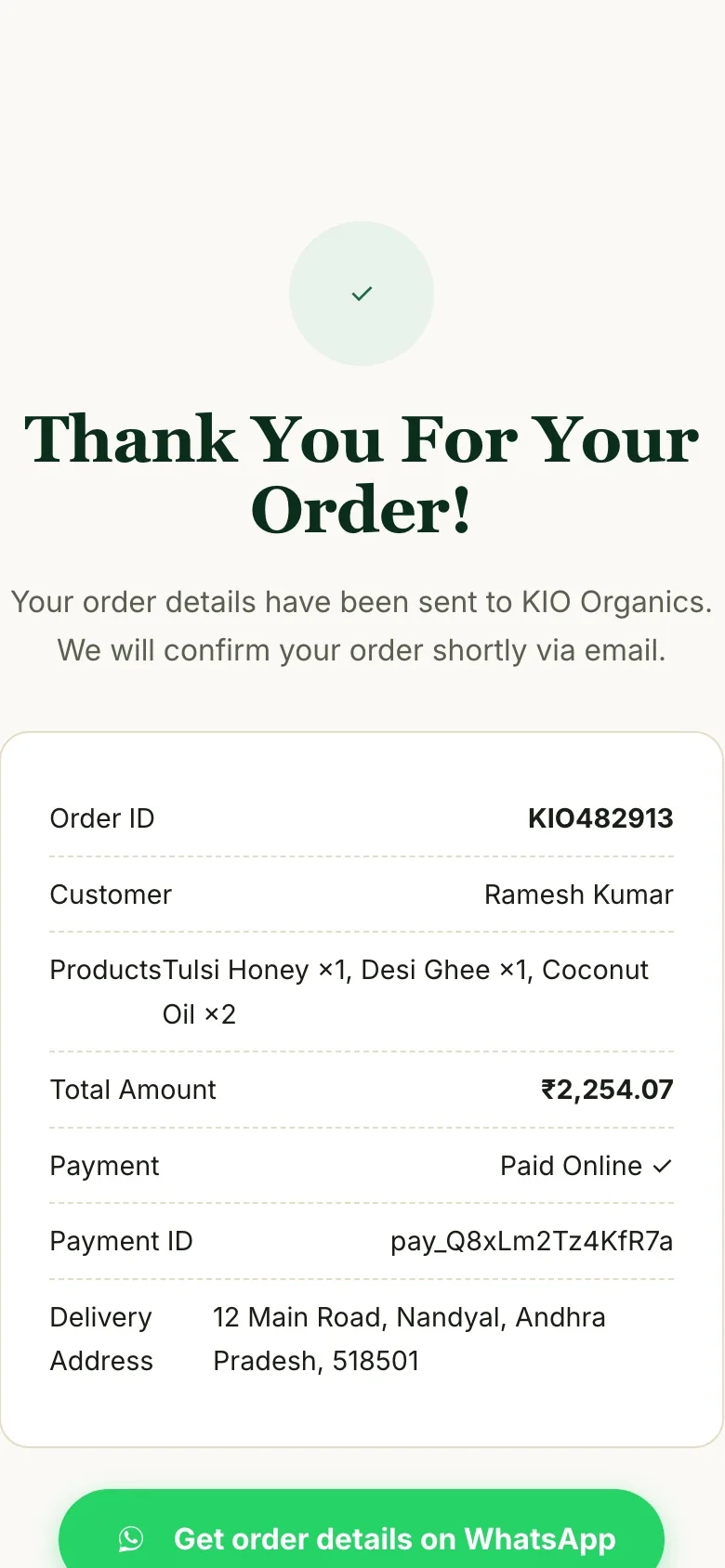
A clear confirmation page with order ID, products, total, “Paid Online ✓” and the Razorpay payment ID — plus two automatic emails.
Sign up with email or Google; see past orders and payment history.
Save products with a heart on every card; the count shows in the header.
Find honey, oils or ghee quickly from the header.
Free shipping above ₹599, a flat fee below it, 5% tax worked out automatically.
Our Story, Blog, FAQ, Shipping, Returns, Privacy and Terms pages build trust.
Every page designed for small screens first.
Alongside the website, I run KIO's social media ads — product creatives and campaigns that send people straight to the product pages, where the fast checkout takes over.
Plain HTML, CSS and JavaScript for speed, with a small PHP and MySQL backend for orders, accounts and payments — on standard Hostinger hosting, with no expensive platform fees.